Console update
July 22, 2026The Console got a round of upgrades across the board: a dashboard that actually shows what your API is doing, a tidier navigation with a collapsible sidebar, the conversion page as a live API playground — and the full changelog right inside the Console.
New dashboard
Three widgets: today's calls at a glance, usage per day by call type, and system activity from the audit log.
Tidier navigation
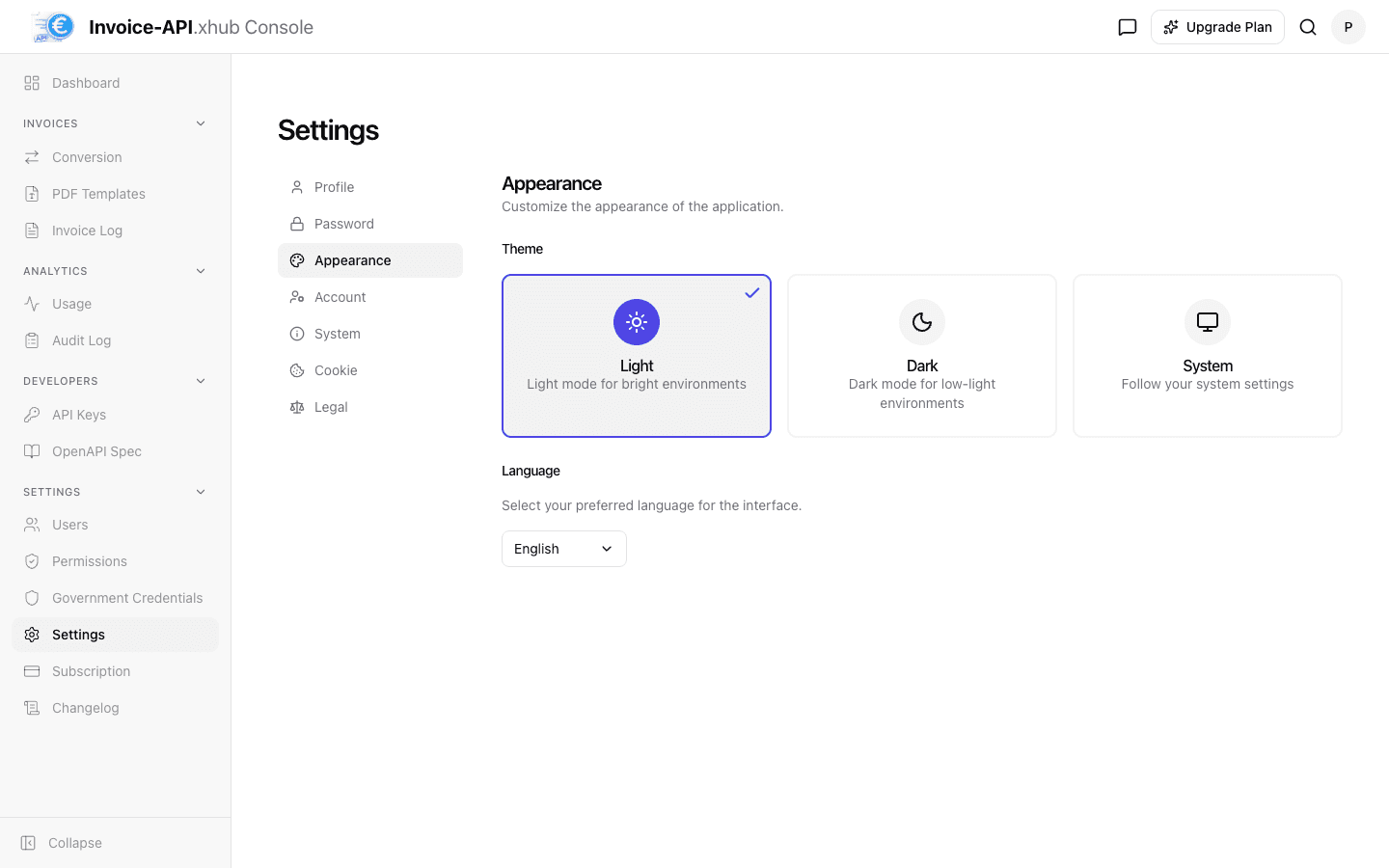
Collapsible sidebar, a dedicated settings group, and a settings page with its own inner navigation.
Changelog in the Console
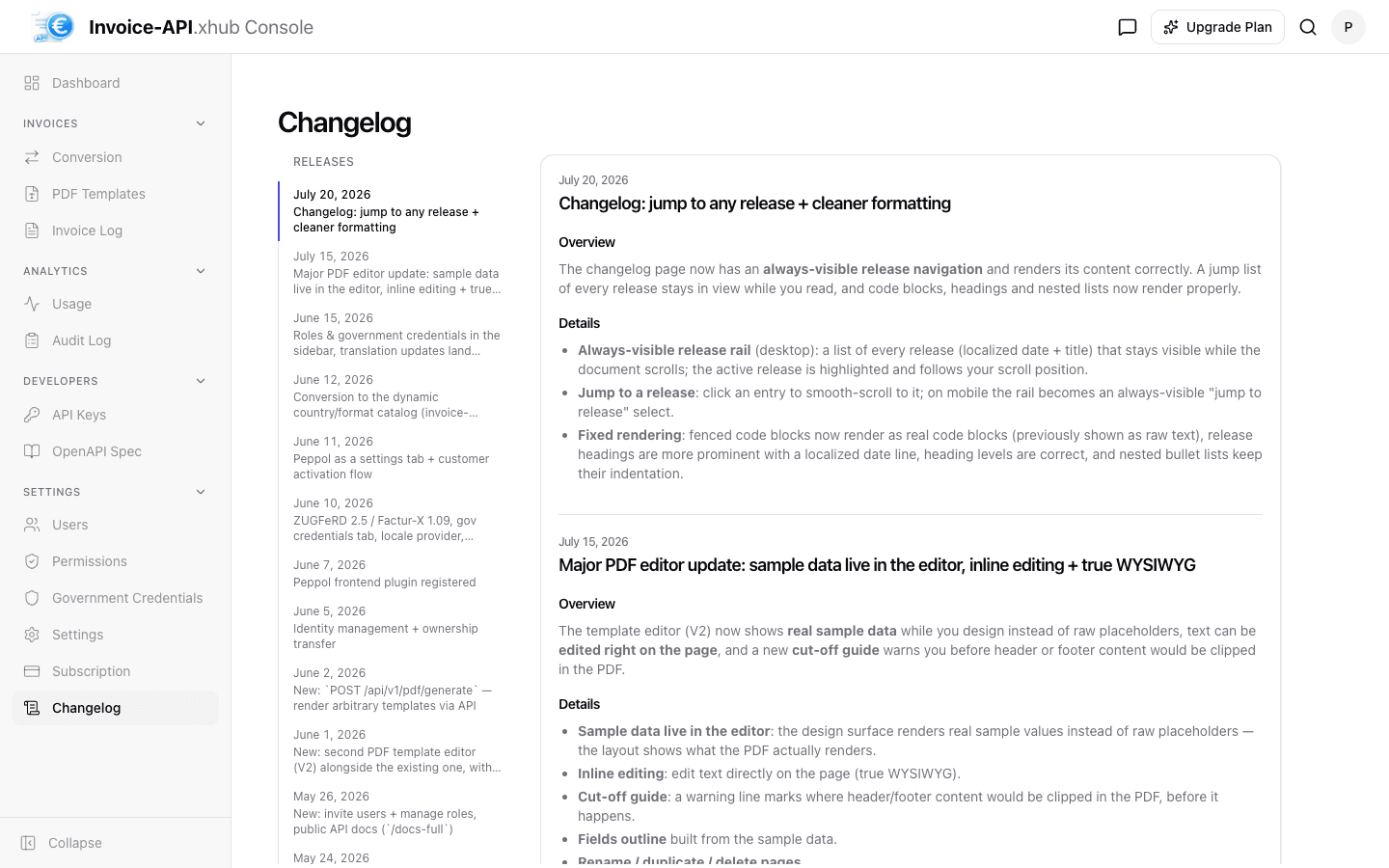
Every release documented in-app, with an always-visible release rail to jump to any entry.
Conversion as a live playground
Every convert shows the real REST call behind it — with a ready-to-copy curl snippet.
A dashboard that shows your API
The dashboard used to be a static landing spot — now it answers the questions you actually open it for. Three widgets show live data from your account: a Today ring with the current day's API calls broken down by call type, a usage chart with calls per day by type (switchable between today, 7, 30 and 90 days — the today view uses an hourly axis), and a system activity feed built from the audit log with successful and failed events per day.
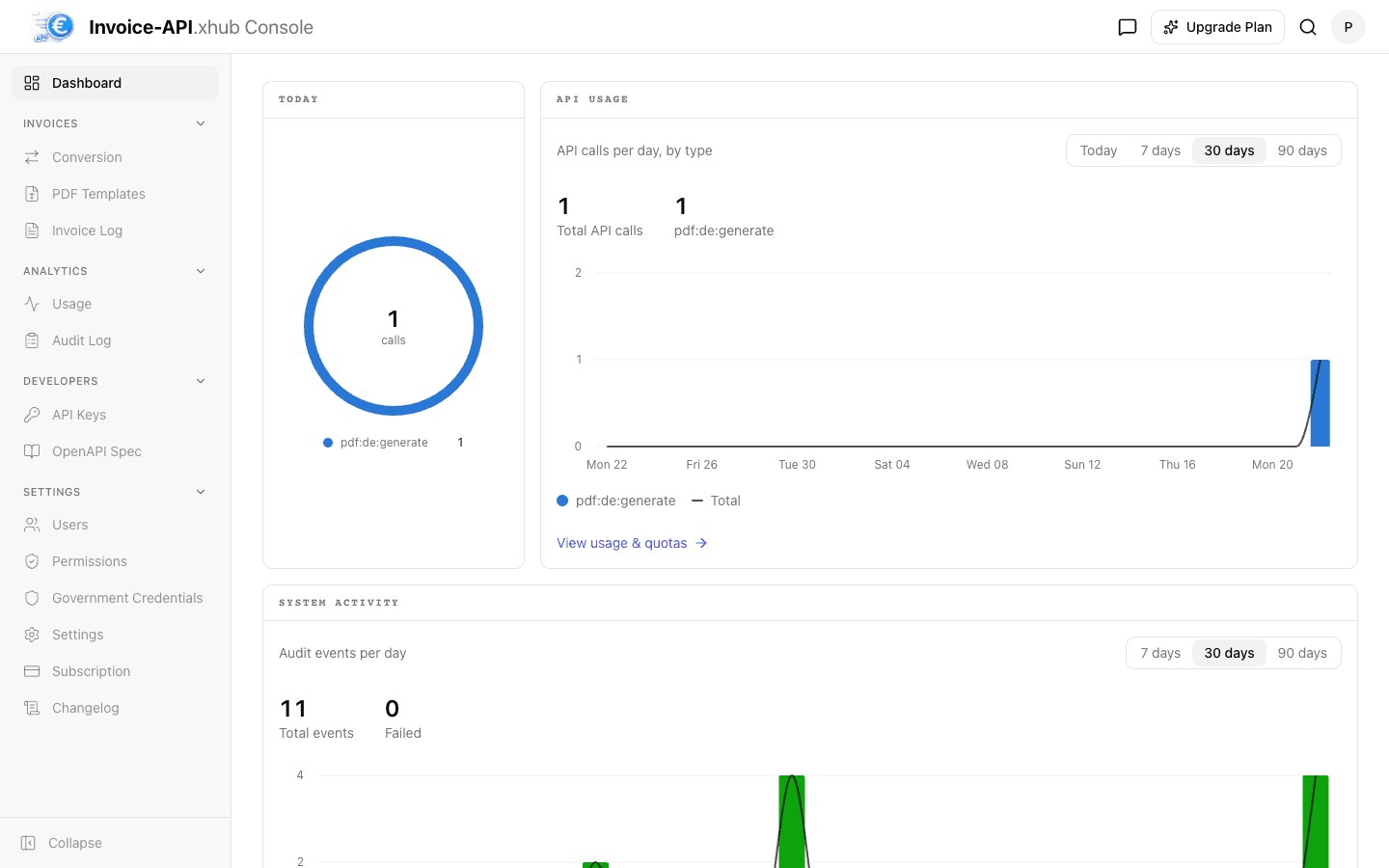
New accounts see a friendly welcome state instead of empty charts, and every widget links through to the full view — usage & quotas or the audit log.
Tidier navigation and settings
The sidebar can now be collapsed to icons when you want more room. Settings became a navigation group of its own: users, permissions, government credentials, subscription and the changelog are reachable in one click instead of being buried in tabs. The settings page itself got an inner navigation — profile, password, appearance, account, system, cookie preferences and legal pages each have their own place, and you can upload a profile picture.
The changelog, right in the Console
You no longer have to leave the Console to find out what changed: the full release history is a page of its own, localized and formatted. An always-visible release rail lists every release with date and title, highlights the one you are reading and lets you jump to any entry — on mobile it becomes a compact release picker.
Conversion page as a live API playground
The conversion page was rebuilt around how you actually use it: pick the country first, then the direction — JSON to PDF, JSON to e-invoice, or e-invoice to JSON. Insert a country-specific sample invoice with one click, convert, and the request inspector shows the real REST call the page just made: method, endpoint, headers with masked API key, body, status and timing — plus a cURL tab with a ready-to-copy snippet for your terminal.
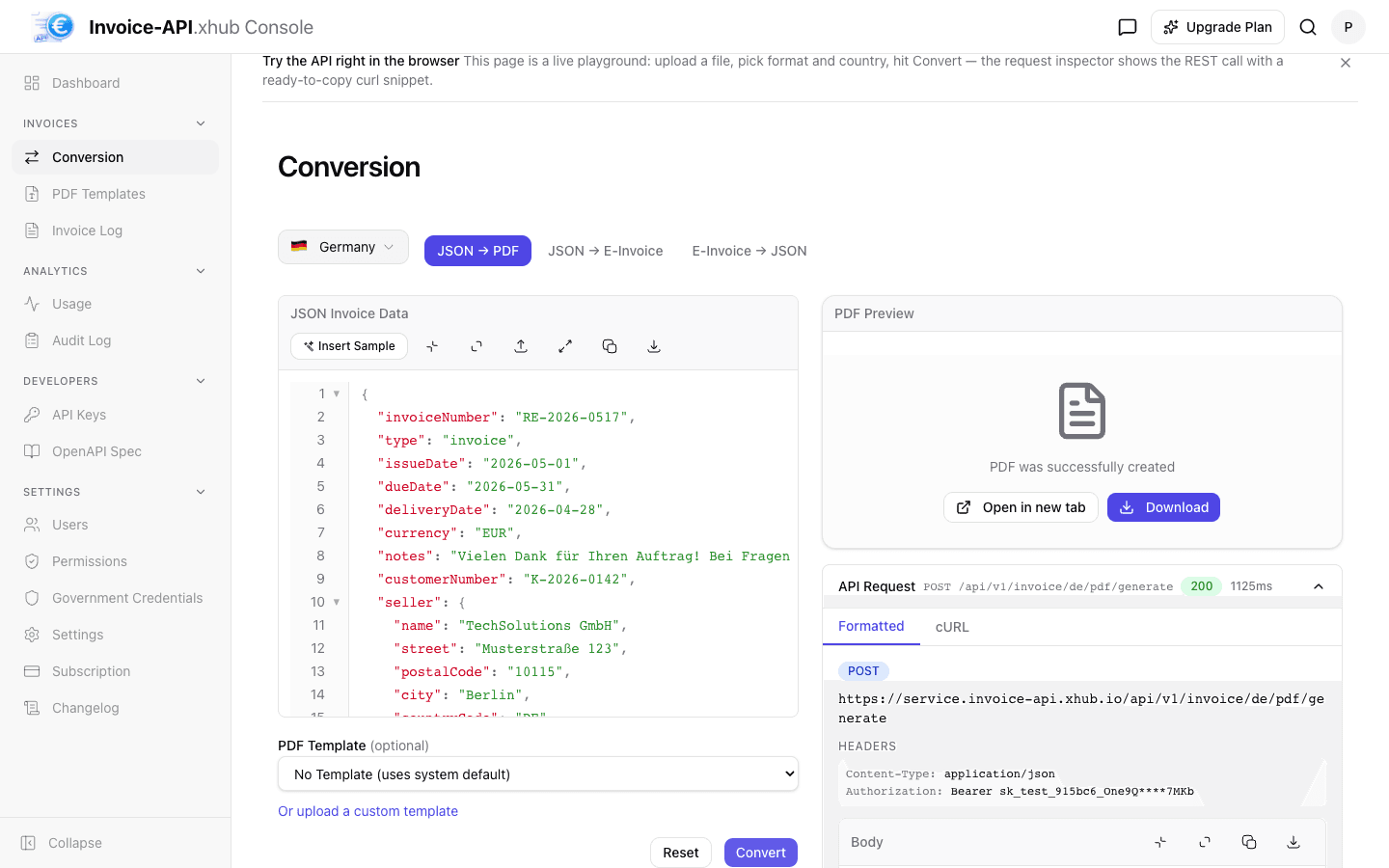
A full reset takes the page back to a clean slate, and the optional PDF template picker offers the per-country system templates alongside your own.
Also in this update
Quick actions: press Cmd+K (or use the search icon in the header) to jump to any page — usage, conversion, API keys, templates, logs — without touching the sidebar.
Login and registration got a refresh: a footer with legal links, social channels and cookie settings, plus a language switcher — so you can pick your language before signing in.
Registration asks for consent in a clear modal instead of blocking the submit button, and the onboarding got better keyboard focus handling and a clearer completion step.
Under the hood: an accessibility sweep across the app, less console noise, and hardened security headers that prevent the Console from being embedded in foreign sites (clickjacking protection).