
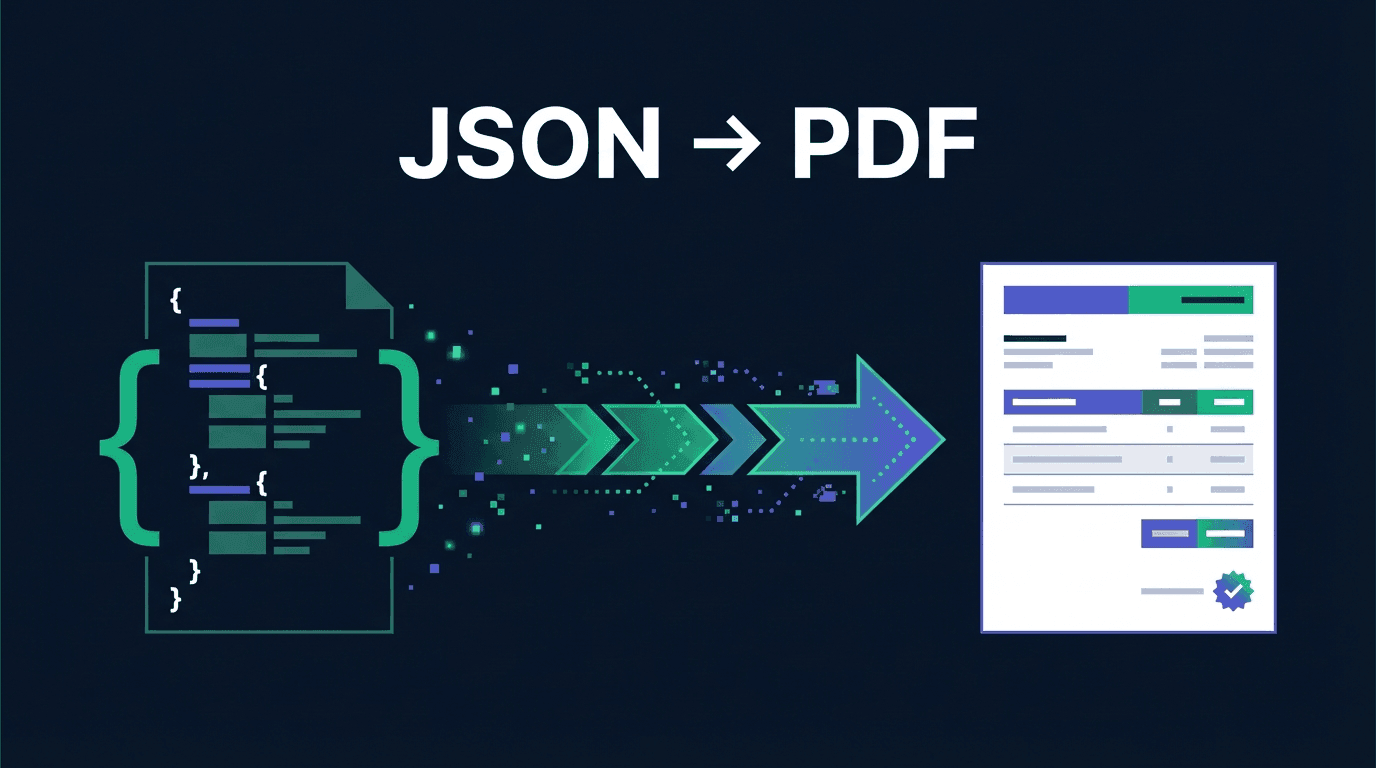
Many invoice APIs lock you into rigid layouts: logo top-left, no discount column, no control over colors. Invoice-api.xhub goes the other way — PDF invoices are described by a JSON-based BlockTemplate. The result is versioned, diffable, and reproducible through a CI pipeline.
In this tutorial I'll show you how to build your own template in 10 minutes, embed your logo, apply brand colors via design tokens, and render VAT rows correctly — including the pitfalls around EN 16931 and ZUGFeRD.
📚 Full reference: All schemas and block types are documented in the invoice templates docs.
BlockTemplate in 30 seconds
A BlockTemplate is a JSON document with five areas:
1{2 "version": "1.0.0",3 "name": "my-invoice",4 "page": { /* page size, margins, design tokens */ },5 "header": { /* optional letterhead — on every page */ },6 "body": { "blocks": [ /* the actual content */ ] },7 "footer": { /* optional footer area */ },8 "styles": { /* named presets */ }9}The body holds an array of nine block types: text, table, keyvalue, summary, image, spacer, line, qrcode, and columns. Each block shares the same envelope { type, data } — and an optional condition that hides it when its placeholder is empty.
Step 1 — Define design tokens
Instead of repeating hex values across every block, declare them once in page.colorScheme:
1{2 "page": {3 "size": "A4",4 "margins": { "top": 40, "right": 40, "bottom": 40, "left": 40 },5 "colorScheme": {6 "primary": "#0ea5e9",7 "text": "#111827",8 "muted": "#6b7280",9 "line": "#e5e7eb"10 },11 "fontSizes": { "body": 10, "heading": 18, "small": 8 }12 }13}Blocks reference them via { token: "…" }:
1{ "type": "text", "data": { "content": "INVOICE", "color": { "token": "primary" } } }When the brand color changes, you swap a single value — the whole template follows.
Step 2 — Logo in the header
A two-column header: company name on the left, logo on the right. repeatOnAllPages: true turns it into a letterhead on every page.
1{2 "header": {3 "height": 90,4 "repeatOnAllPages": true,5 "blocks": [{6 "type": "columns",7 "data": {8 "columnGap": 20,9 "columns": [10 { "width": "*", "blocks": [11 { "type": "text", "data": { "content": "{{seller.name}}", "bold": true, "fontSize": { "token": "heading" } } }12 ]},13 { "width": "auto", "blocks": [14 { "type": "image", "data": { "src": "https://cdn.example.com/logo.png", "fit": [140, 70], "alignment": "right" } }15 ]}16 ]17 }18 }]19 }20}The src accepts a URL, a base64 data URI, or — as here — a placeholder that is supplied per tenant from the invoice payload.
Step 3 — Line items with a discount column
The table block binds to {{items}}. Each column declares field, header, width, and optionally format: "currency" | "percent" | "number":
1{2 "type": "table",3 "data": {4 "dataSource": "{{items}}",5 "repeatHeader": true,6 "layout": "lightHorizontalLines",7 "headerFillColor": { "token": "primary" },8 "headerTextColor": "#FFFFFF",9 "columns": [10 { "field": "articleNumber", "header": "Art. No.", "width": "15%" },11 { "field": "description", "header": "Description", "width": "*" },12 { "field": "quantity", "header": "Qty", "width": "10%", "align": "center" },13 { "field": "unitPrice", "header": "Unit price", "width": "15%", "align": "right", "format": "currency" },14 { "field": "netAmount", "header": "Net", "width": "15%", "align": "right", "format": "currency" }15 ]16 }17}Column widths accept pixel values, percentages, auto, or * (fills remaining space).
Step 4 — Dynamic VAT rows
This is the part many templates hard-code — and then break the moment an invoice has mixed VAT rates or reverse-charge. The summary block with dynamicRows iterates over {{taxSummary}}:
1{2 "type": "summary",3 "data": {4 "alignment": "right",5 "headerRows": [6 { "label": "Net total", "value": "{{subtotal}}", "valueFormat": "currency" }7 ],8 "dynamicRows": {9 "dataSource": "{{taxSummary}}",10 "valueField": "taxAmount",11 "valueFormat": "currency",12 "labelTemplate": "VAT {{taxRate}}%"13 },14 "footerRows": [15 { "label": "Total due", "value": "{{total}}", "bold": true, "valueFormat": "currency", "separator": true }16 ]17 }18}An invoice with 7% + 19% automatically renders two rows. Reverse-charge yields taxAmount: 0 plus the mandatory notice as a conditional text block.
Step 5 — Use the template
Two ways to hand your template to the API:
1. As a saved template (recommended):
1curl -X POST https://service.invoice-api.xhub.io/api/v1/invoice/de/zugferd/generate \2 -H "Authorization: Bearer $XHUB_API_KEY" \3 -d '{4 "templateId": "b3c9a0d8-4f2e-4a1c-9e87-0d2f1a5b6c7d",5 "invoice": { /* creator payload */ }6 }'2. Inline — for CI tests or dynamic layouts:
1curl -X POST https://service.invoice-api.xhub.io/api/v1/invoice/de/zugferd/generate \2 -H "Authorization: Bearer $XHUB_API_KEY" \3 -d '{4 "invoice": { /* ... */ },5 "formatOptions": { "template": { /* inline BlockTemplate */ } }6 }'If both are provided, precedence is templateId > formatOptions.template > default.
Compliance pitfalls
Three things that are easy to miss:
- Mandatory fields (§ 14 UStG / EN 16931). Invoice number, issue date, delivery date, VAT ID or tax number, amounts per VAT rate — none may be missing. The validator checks this on
/generate, but a defensive template never drops those blocks in the first place. - Leitweg-ID for B2G. Invoices to German public authorities require a Leitweg-ID. In the payload it lives under
countrySpecific.leitwegId(DE-specific). Usingcondition: "{{countrySpecific.leitwegId}}"the block renders only for B2G — the same template keeps working for B2B. - ZUGFeRD is not just the PDF. The BlockTemplate is the visible layer. The structured EN-16931 XML is automatically embedded into PDF/A-3 on
/generate. Both views must show identical numbers — that's why both come from the same invoice payload.
The full compliance matrix covering reverse-charge, small-business scheme, and Factur-X lives in the compliance docs.
Closing thoughts
BlockTemplate is not a replacement for a design tool — it's an API-first approach for teams that treat invoices like code: versioned, reviewable, testable in CI. For one-off layout tweaks a WYSIWYG editor may be faster. For 50 tenants with distinct logos and colors rolled out through a single API call, JSON wins.
Further reading:
- Invoice templates overview — all block types at a glance
- Placeholder reference — every field from the creator payload
- Branding guide — design tokens in detail
- Cookbook — SEPA QR, page numbers, early-payment discount, …
FAQ
Do I need a separate template per tenant layout?
No — one template with design tokens is enough. Per tenant, you override only page.colorScheme and the logo. For 50 tenants you keep a single template structure; only the tokens change.
Can I version BlockTemplate and test it in CI? Yes. Because the template is a JSON document, it flows through Git like code: diffs stay readable, code review works, and a CI snapshot test can hash the rendered PDF after every commit and flag unintended changes.
What's the difference between templateId and formatOptions.template?
templateId references a template stored in the console or via the pdf.templateCreate tRPC mutation (recommended for stable production). formatOptions.template passes BlockTemplate JSON inline — handy for tests, CI and dynamically generated layouts. When both are provided, templateId wins.
Does BlockTemplate also work for Peppol and XRechnung — or only PDF/ZUGFeRD?
BlockTemplate only controls the visual PDF layer. The structured XML for XRechnung or Peppol BIS 3.0 comes from the invoice payload. For ZUGFeRD and Factur-X the EN 16931 XML is automatically embedded into the PDF/A-3 during /generate (hybrid invoice).
Where do I find all available placeholders?
In the placeholder reference. Every field from the creator payload is available as a {{mustache}} placeholder — from {{invoiceNumber}} through {{seller.bankAccount.iban}} to {{countrySpecific.leitwegId}}.