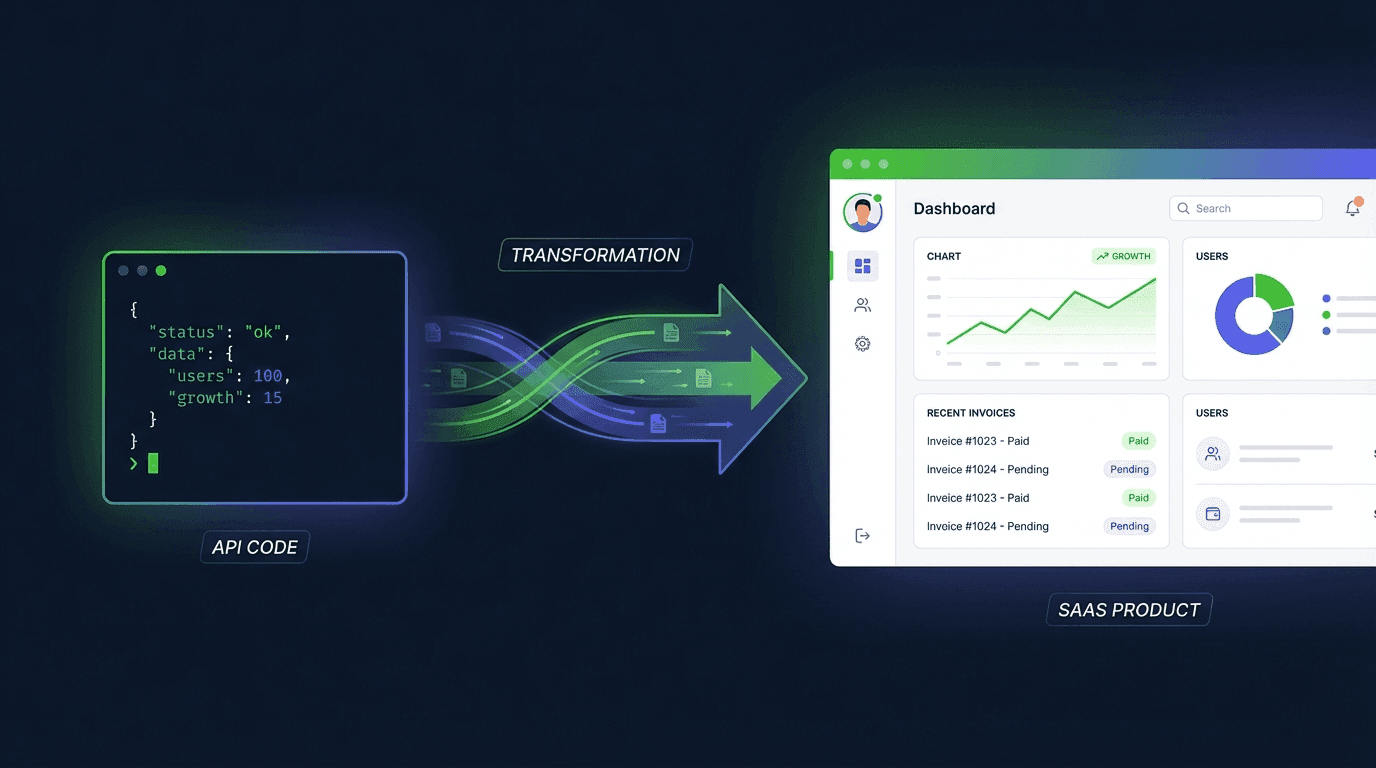
Today we're launching invoice.xhub.io -- a SaaS application for creating and sending e-invoices, completely without code. What looks like a new product from the outside is, under the hood, a pretty radical proof of concept: invoice.xhub.io is built on the invoice-api.xhub.io engine.
Not alongside it. Not inspired by it. Directly on top of it.
Why Dogfooding Is More Than a Buzzword
Every API provider says: "Our API is production-ready." But the most honest proof is when you build your own product on it. That's exactly what we did.
Every e-invoice that a user creates in invoice.xhub.io goes through exactly the same path as an API call from a developer:
- Structured data is collected from the form or the AI assistant
- The same generation engine converts it into XRechnung, ZUGFeRD, or Peppol BIS
- The same validation checks against KoSIT schemas and Schematron rules
- The same PDF engine generates PDF/A-3 with embedded XML
No special path. No internal shortcut. If the engine has a bug, we notice it first -- because it affects our own product.
Where the API Lives Inside
Specifically, invoice.xhub.io uses the Invoice API engine in these areas:
Invoice Generation
When a user clicks "Create Invoice" in the SaaS, the same thing happens behind the scenes as with a POST /api/v1/invoice/de/xrechnung/generate call. The input data is translated into the internal invoice model, the engine generates the XML -- and the user gets their XRechnung without even knowing what XRechnung technically is.
Real-Time Validation
The SaaS validates invoices during input. Missing the VAT ID? The validation engine reports BR-DE-03. But instead of the cryptic error code, the UI shows: "Please enter your customer's VAT ID." Same check, different language.
PDF Generation
ZUGFeRD requires a PDF/A-3 with embedded XML. The PDF engine that API customers use via the endpoint also generates the PDFs in the SaaS. Same fonts, same layout, same conformity.
Parsing Incoming Invoices
Users can also upload and check e-invoices in the SaaS. The parsing engine extracts structured data from XRechnung XML or ZUGFeRD PDFs -- the same one that powers the parser endpoint of the API.
The Architecture Behind It: Shared Libraries
The reason this works is a decision we made from day one: All core logic lives in standalone libraries, not in the API itself.
| Library | Purpose | Used by |
|---|---|---|
| Invoice Outbound DE | Generate XRechnung, ZUGFeRD, Peppol | API + SaaS |
| Invoice Inbound DE | Parse and validate e-invoices | API + SaaS |
| Invoice Interface | Shared data model | API + SaaS |
| PDF Engine | PDF/A-3 with embedded XML | API + SaaS |
When we fix a bug in the validation, it's fixed in both products simultaneously. When we support a new format, it's available in both products. No sync issues, no feature drift.
What We Found Through Dogfooding
Building our own product on the API uncovered problems that no unit test would have found:
Edge Cases in Validation
A user in the SaaS enters invoice data piece by piece. This means: The engine must provide meaningful error messages even with incomplete data -- not just with finished invoices. This forced us to make the validation more granular.
Performance Under Real Conditions
In the API context, a single request is fast. But in the SaaS, we validate on every keystroke. This showed us where the engine needs optimization -- and those optimizations now benefit API customers as well.
Error Messages for Humans
BR-CO-10: Sum of line amounts does not equal invoice total is clear for a developer. Not for a freelancer. We built a translation layer that converts Schematron error codes into natural language. We could offer this mapping as an API feature in the future.
What This Means for API Customers
If you use the Invoice API, you directly benefit from the fact that we use it ourselves:
- Higher stability -- Bugs surface internally before they affect you
- Better performance -- Optimizations we need for the SaaS land in the engine
- More realistic tests -- Our test coverage goes beyond synthetic test data
- Faster iteration -- Feature requests from the SaaS team flow directly back
The API is not a byproduct. It's the foundation.
Two Products, One Engine
| invoice-api.xhub.io | invoice.xhub.io | |
|---|---|---|
| For whom | Developers & tech teams | Freelancers, SMBs, accounting |
| Access | REST API with API key | Web interface in the browser |
| Engine | Direct | The same -- via shared libraries |
| Validation | KoSIT Schematron | KoSIT Schematron (+ human-readable error messages) |
| Output | XML, PDF, JSON | Same formats, ready to download/send |
Try It Out
Are you a developer? The API remains as before at invoice-api.xhub.io. Try it in the Playground or get started with the Quickstart.
Just want to create an e-invoice? invoice.xhub.io -- same engine, no code needed.
Questions? Contact us.